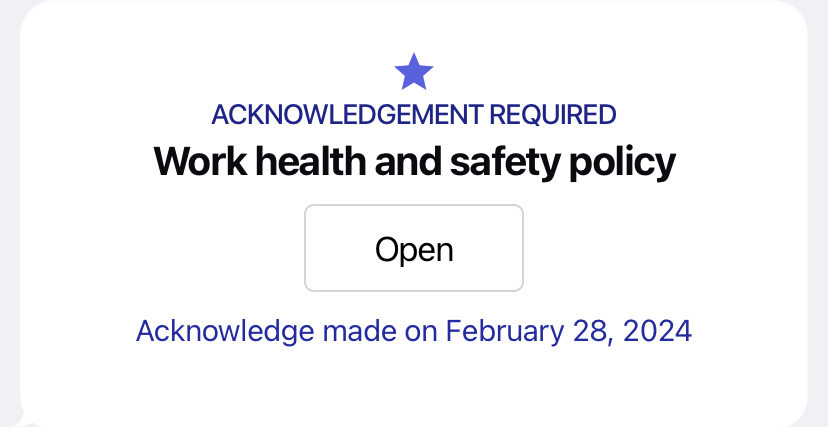
Sometimes you need to know for sure that your team has read something important—like a new policy, shift calendar, or urgent notice. That’s where acknowledge messages come in. These messages ensure that the team has formally confirmed they’ve read and understood the content.
How the message looks to the user
When users receive a mandatory reading message, it will appear marked with “Acknowledgement Required.” They’ll see an “Open” button that leads them to the content.
.jpg?width=400&height=186&name=file-GsTKEtV4ia%20(1).jpg)
Once the user clicks “Open,” the full message content is displayed. In this example, it's a “Work Health and Safety Policy” PDF with a clear “I have read and understood” button underneath.
.png?width=400&height=810&name=file-tuMKnw8czm%20(1).png)
Confirmation and timestamp
To avoid accidental confirmations, the app asks one more time if the user has really read the document. They need to tap “Read” to proceed.
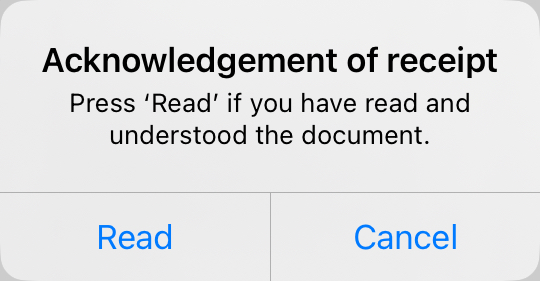
After tapping “Read,” the system records the exact date and time. From then on, the message will show a confirmation line like this: “Acknowledged on [date]” so the user can always revisit it.